I want to talk about something that doesn't get enough credit in the home office conversation: organization isn't just about neatness.
I know that sounds like the kind of thing someone says right before they tell you to buy more baskets. That's not where I'm going. What I mean is this: the way a small home office is organized directly affects how you think, how long you can focus, how quickly you can find what you need, and how you feel about being in the space at all.
A disorganized home office isn't just visually messy. It's cognitively expensive. Every time your eye lands on a pile of papers that needs sorting, a cable tangle that needs addressing, or a surface that's too cluttered to use — your brain registers it as an unfinished task. And that small registration, multiplied across an entire workday, adds up to real mental fatigue.
Here's what I tell people: the goal of organizing a small home office isn't to make it look like a Pinterest pin. It's to reduce the number of times per day your environment interrupts your thinking. Every decision you make about where things live is a decision you're making so you don't have to make it again later.
Thing about it this way: the moves that have the biggest impact on a small home office are almost never the expensive or complicated ones. Here's what I'd do — and what I actually recommend when clients ask me this question.
Start With the Surface — Your Desk Is the Center of Everything
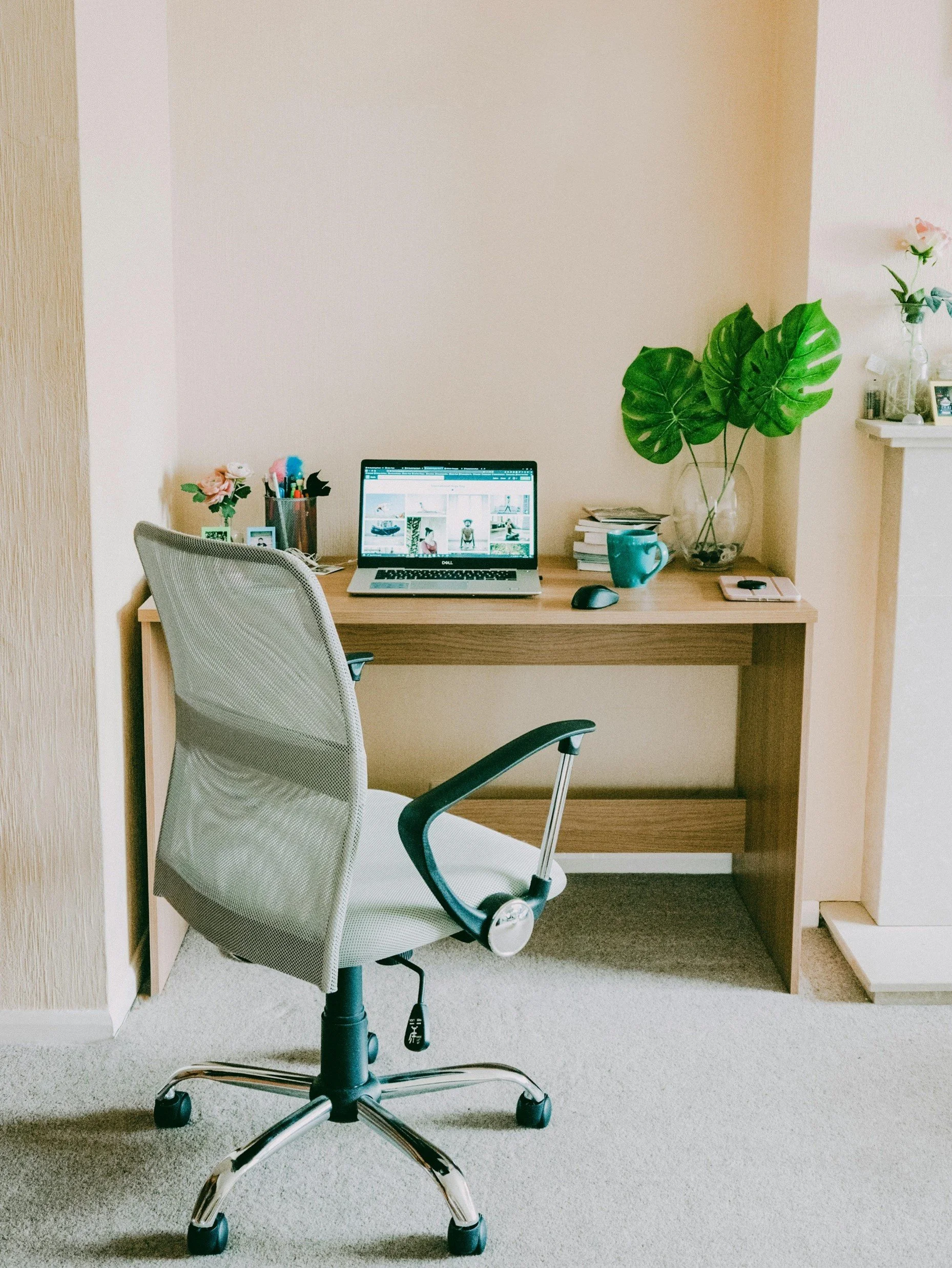
Before we talk about storage systems or organization tools, let's talk about the desk surface itself. Because if the desk surface isn't working, everything else is compensating for a fundamental problem.
Lisa from Pexels
A functional small home office desk needs three things:
enough depth to work comfortably (20 inches minimum, 24 is better)
enough width to spread out without everything spilling onto the floor
and a clear zone — an area of the surface that stays clear and usable at all times
That last one is the piece most people miss. They organize the desk once, it gets covered again within a week, and then they conclude that organizing doesn't work for them. The issue isn't willpower — it's that there's no system for what comes onto the desk and what has a permanent home off of it.
The Three-Zone Desk System
Here's how I'd divide a small desk surface into three zones — and this works on any desk, no matter the size.
Zone 1 — Active Work: The area directly in front of you. This is where your laptop or monitor lives, where your notepad sits, where the work in progress stays. Nothing else lives here permanently. Everything else gets cleared to Zones 2 or 3.
Zone 2 — Daily Tools: The area to your dominant hand side. This is where your most-used items live — your pen cup, a notepad, your phone, and a coaster for your coffee. These things are in reach without moving, but they're not in your active work zone.
Zone 3 — Staged Items: The far edge or corner of the desk — whatever is farthest from your active work zone. This is where things that need action today can live without being in your sightline. A bill to pay, a library book to return, a package to mail. It's visible enough that you won't forget it, far enough that it's not distracting you while you work.
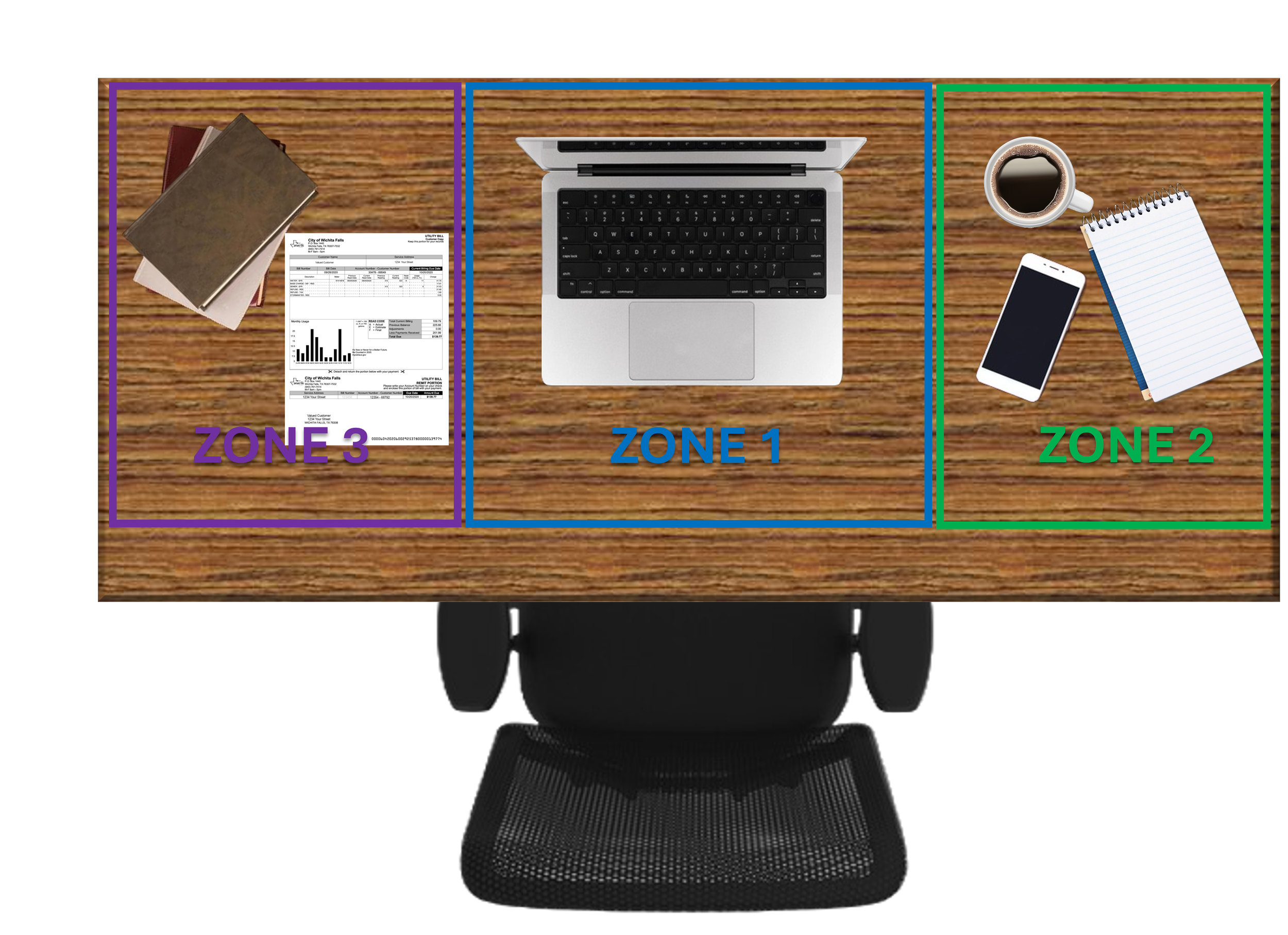
Once you have these zones established in your head, organizing the desk becomes a daily practice of returning things to their zone rather than a weekly project of sorting through piles.
Deal With Paper — It's the Root of Most Home Office Chaos
Paper is the thing that takes over small home offices faster than anything else. And the reason it takes over is almost never that people don't care about organization — it's that there's no decision-making system for paper as it arrives.

Tima Miroshnichenko
When a piece of paper comes in — mail, a receipt, a form, a document — it lands on the surface because there's no ‘designated’ place it belongs. That one piece of paper is joined by another, and another, and within two weeks the desk has a pile that feels overwhelming to address.
Here's the system I'd put in place, and it's simple enough that you can’t help but maintain it:
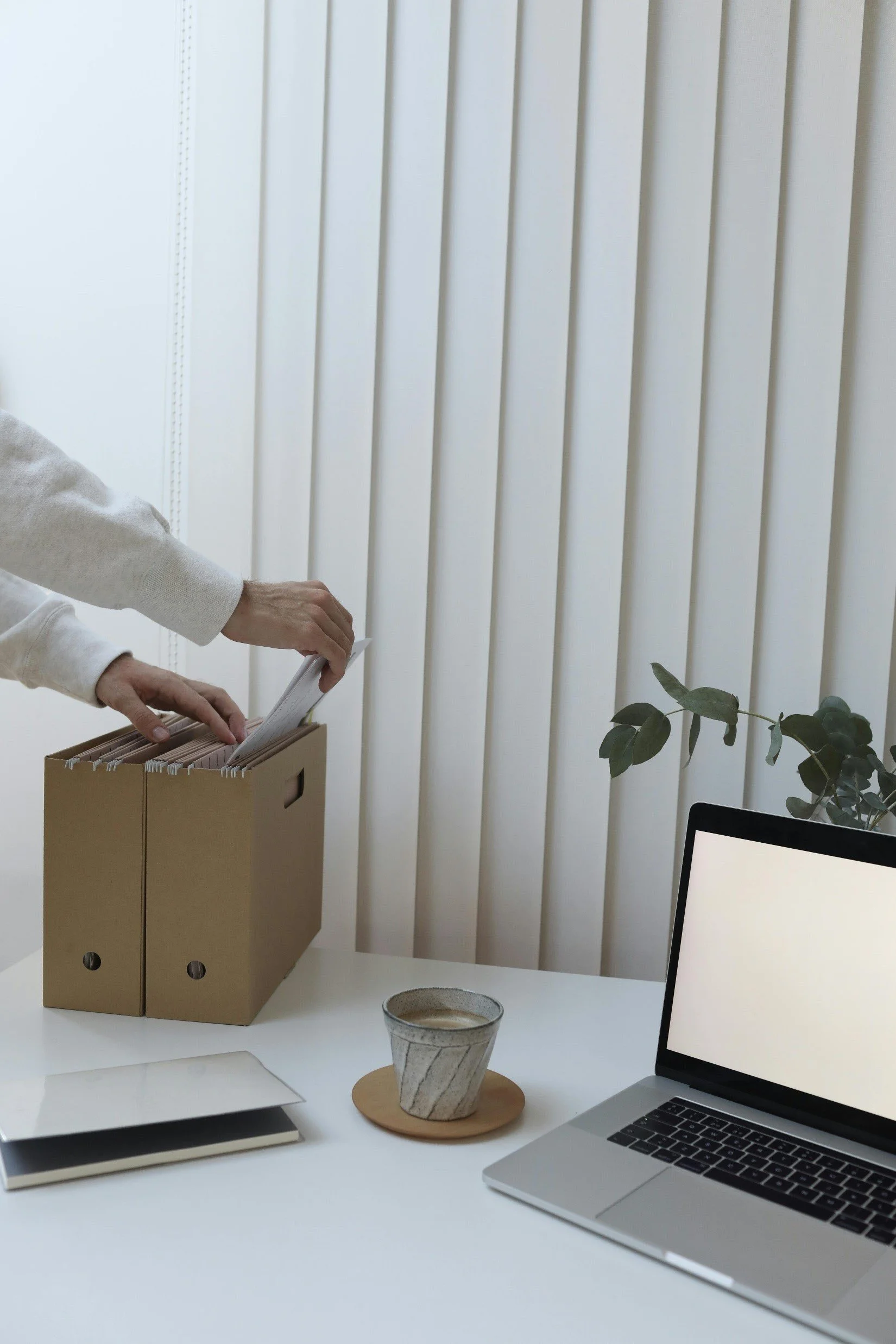
Three Physical Trays or Folders — That's It
Inbox: Everything that's just arrived and hasn't been dealt with yet. This is the landing spot, so paper doesn't land randomly on surfaces. It has one home.
Action Required: Anything that needs a response, to be paid, a signature, a phone call. These are the things that have to be done. They live here so you can see them without them taking over the desk.
To File: Things you need to keep but don't need to act on. Once a week, these get filed. Not daily — weekly. That's sustainable.
Cup of Couple
The single most important habit in a paper system is a weekly ten-minute session where you clear the inbox, move things to Action Required or To File, and actually file the To File pile. Ten minutes, once a week. That's the whole system. It's not glamorous, but it works — and it keeps the desk from ever getting to the point where the pile feels impossible.
For the actual filing, a small two-drawer file cabinet that fits under the desk is my preference over accordion folders or binders on a shelf. The drawer closes. Out of sight, organized, accessible when needed.
The Cable Situation — Fix It Once and You'll Never Think About It Again
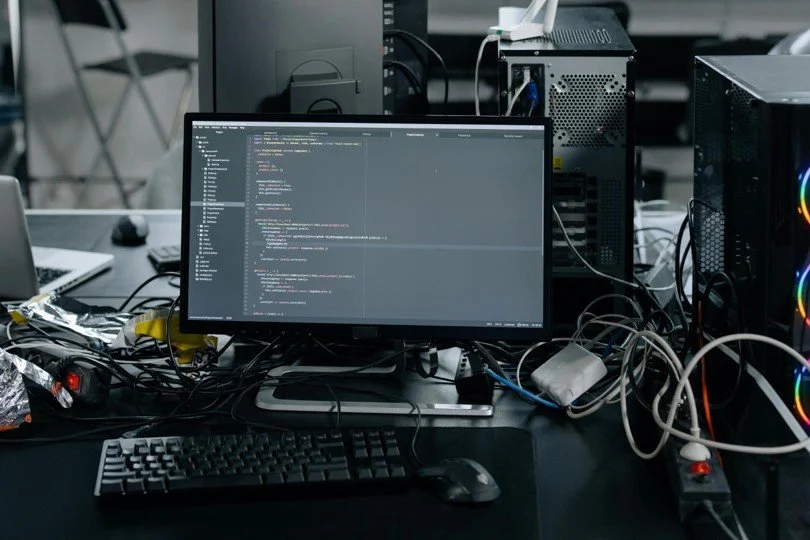
I want to spend a minute on cables because they have a bigger impact than you’d think on how a small home office feels, and they're almost universally neglected until they become a genuine problem…
cottonbro studio
A visible cable tangle on or around a desk is one of those things that registers on the edges of your consciousness every time you sit down to work. It doesn't stop you from working, but it contributes to the low-grade sense that the space is unfinished and slightly chaotic. It's worth fixing once, properly, so you never think about it again.
What I'd Actually Do
First: a cable management box. This is a simple box — many options on Amazon for $15-30 — that sits on or under the desk and swallows the power strip and the cable tangle into a closed container. One cable comes out. Everything else is hidden.
Second: cable clips or cable raceways along the back edge of the desk and down the desk leg to the floor. This routes cables from your devices to the cable box in a clean line rather than a tangle. Takes about 20 minutes and costs almost nothing.
Third: label your cables. Wrap a small piece of masking tape around each cable near the plug end and write what it is with a fine tip marker. You will never again pull out the wrong cable or spend three minutes tracing cords to figure out which one goes where.
Bonus move: a wireless charging pad on the desk surface eliminates the phone charging cable entirely. For most people, the phone cable is the most-handled cable on the desk and the one that creates the most daily cable chaos. A $20-30 wireless pad removes it from the equation.
Storage: What Stays on the Desk vs. What Gets Off the Desk
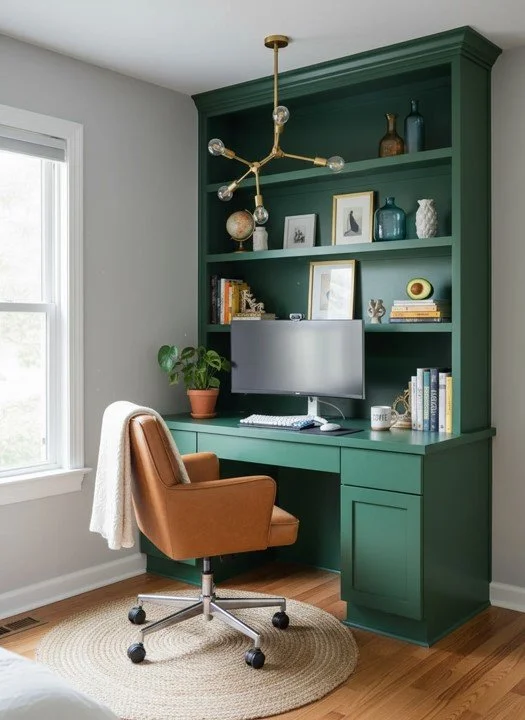
In a small home office, storage discipline is everything. The desk is for working, not for storing. The more things that live permanently on the desk surface, the less room you have to actually work — and the more visual noise you're dealing with every hour of the day.
My general rule: if you don't use it daily, it doesn't live on the desk.
What Should Live on the Desk
Monitor or laptop (obviously)
One pen cup with the pens you actually use (not a collection of every pen you've ever owned)
Notepad or notebook — one, not a stack
Task lamp
Phone and/or wireless charger
A coaster — coffee is non-negotiable in a home office
What Gets Off the Desk
Everything else. Staplers, tape dispensers, scissors, extra notepads, reference books, printer paper — these things should live in a drawer, on a shelf, or in a caddy that's nearby but not on the work surface.
Wall-mounted shelves above the desk are one of the highest-value storage upgrades in a small home office. They get books, binders, and decorative storage off the desk and vertical — using wall space rather than precious surface space. Two or three floating shelves above the desk, installed correctly, can completely change how spacious and functional the desk area feels.
A monitor riser with storage underneath is another strong move. It elevates the monitor to a better ergonomic position and creates a hidden storage tier under the monitor for small items — sticky notes, a phone stand, a backup charger. That's prime real estate on a small desk.
The Chair and Ergonomics — Organization You Feel in Your Body
I include this in a post about organization because a chair that's wrong for your body organizes your discomfort into your entire workday. By 2pm you're shifting in your seat, by 4pm your back hurts, and by the end of the week you're dreading sitting down to work.
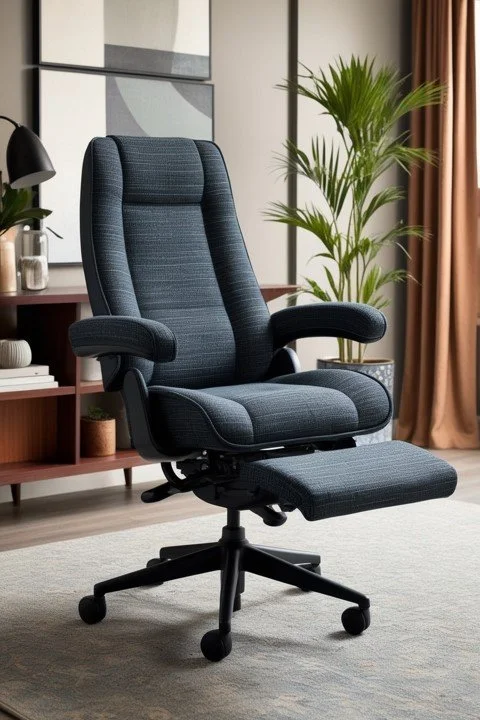
In a small home office, the chair is often the thing people spend the least money on. A beautiful desk, a monitor, a carefully organized surface — and a dining chair that cost $60 and was never designed for sitting in for six hours.
If you work from your home office more than two or three hours a day, a proper ergonomic chair is not a luxury. It is a tool, just like your computer. Budget accordingly.
What to look for at a reasonable price point: adjustable seat height, lumbar support (adjustable is better), armrests that adjust to keep your shoulders relaxed, and a seat depth that fits your leg length. You don't need to spend $1,000. A solid used office chair in the $100-200 range will outperform a new $200 chair from a home goods store almost every time.
Light It Right — The Overlooked Productivity Variable
Lighting in a home office is a productivity issue disguised as an aesthetic one. The wrong light makes you tired. It creates glare on your screen. It makes it harder to read physical documents. It contributes to end-of-day headaches in ways that are easy to attribute to other causes.
Natural Light — Position the Desk for It
If your home office has a window, the desk should be positioned so that natural light comes from the side — not from behind the monitor (creates glare on screen) and not from directly behind you (creates glare on screen from a different direction). Side lighting is the correct position. It illuminates your workspace without fighting your screen.
Task Light — Adjustable and Positioned Correctly
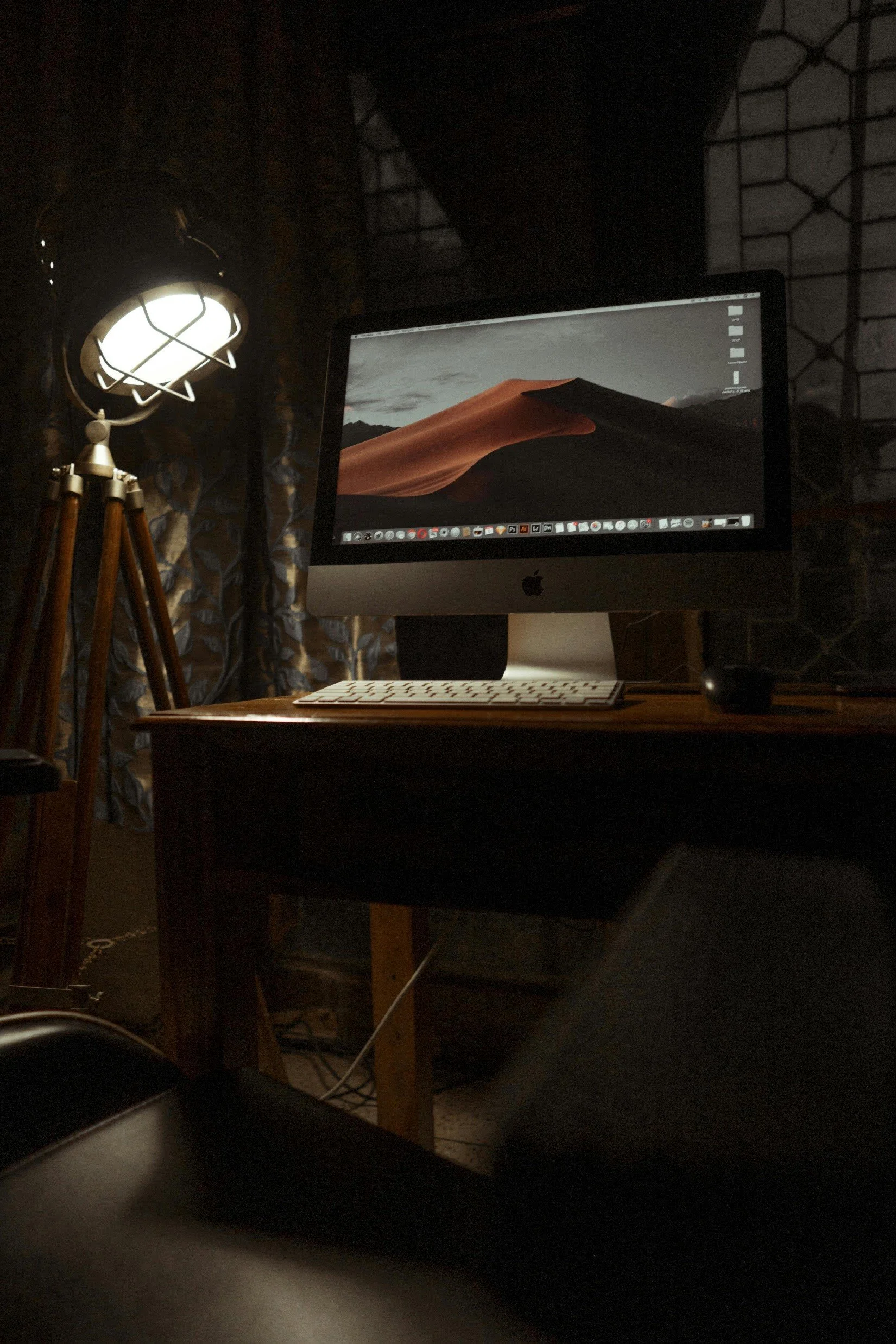
A task lamp on the desk is non-negotiable even in a well-lit room. Overhead room lighting illuminates the room — it doesn't provide focused light on your work surface. A good adjustable task lamp positioned to your non-dominant side, angled toward your work, eliminates shadows and gives you the specific light you need for reading, writing, and working.
Prateek Katyal
Spend $50-80 on a lamp with adjustable color temperature (warm for general work, cooler for detailed work) and adjustable brightness. It's a small investment that you will feel the benefit of every single day you work.
Bias Lighting Behind the Monitor
This one's a small but meaningful upgrade: a strip of LED light mounted behind your monitor, facing the wall, reduces eye strain during long screen sessions by reducing the contrast between the bright screen and the darker room around it. Kits are available for $15-25. Setup takes ten minutes. If you spend more than a few hours a day looking at a screen, this is worth doing.
The Finishing Touches That Make It Feel Like a Space Worth Working In
Organization and function get you most of the way there. But there are a few finishing touches that take a small home office from functional to genuinely pleasant — and that matters more than people give it credit for.
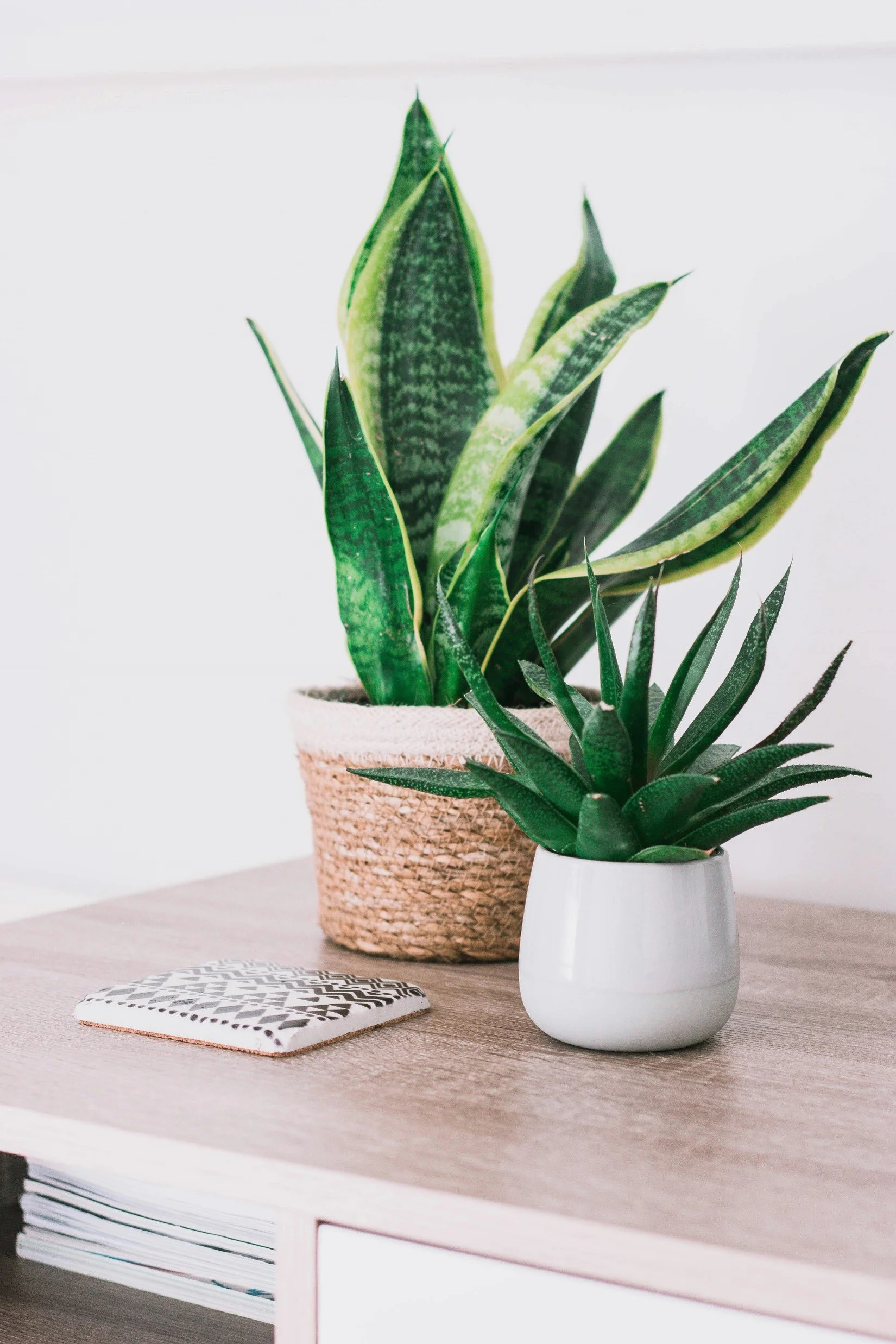
One plant: A single, well-chosen plant on the desk or on a shelf brings life into a workspace in a way that's hard to quantify but easy to feel. If you don't have natural light, a snake plant or pothos will survive and even thrive. If you have decent light, the options open up considerably.
Kate Amos
Art you actually like looking at: One or two pieces of art in your eyeline — not your employer's logo, not a motivational poster unless that genuinely moves you — something you chose because you find it beautiful or interesting. You look up from your screen dozens of times a day. What your eyes land on matters.
A scent anchor: This sounds indulgent but it works. A candle, a diffuser, a small plant with fragrance — a consistent scent in your workspace becomes associated with focused work over time. It's a version of environmental cueing, and it's surprisingly effective at helping you shift into work mode quickly.

Zx Teoh
The home office that's easy to work in isn't the one that cost the most or looks the most impressive on a video call. It's the one where everything has a place, the light is right, the surface is clear, and the space feels like it was set up with actual intention. You can create that in almost any room, with almost any budget, if you focus on the right things.
What's the biggest frustration with your current home office setup? Tell me in the comments — there's almost always a simple fix for the thing that's making you the most crazy.
Read Next:

Small Home Office Ideas When You Don't Have a Dedicated Room
You don't need a spare room to have a functional WFH setup. I’ll break down the closet office, the living room flex setup, and the nook transformation — and explains why claiming a zone matters more than having a dedicated room.

Michael is Principal designer and blogger at Michael Helwig Interiors in beautiful Buffalo, New York. Since 2011, he’s a space planning expert, offering online interior e-design services for folks living in small homes, or for those with awkward and tricky layouts. He’s a frequent expert contributor to many National media publications and news outlets on topics related to decorating, interior design, diy projects, and more. Michael happily shares his experience to help folks avoid expensive mistakes and decorating disappointments. You can follow him on Pinterest, Instagram and Facebook @interiorsmh.